How order numbers work
Every order in Crate gets its own unique order number — shown in your Orders list, on the order page, and on receipts and invoices — so you can reference any sale precisely.
Every order in your store carries a unique order number. Crate assigns it automatically when the order is created — whether the customer checked out on your storefront, or you recorded the sale yourself — so you never have to think about numbering.
Where you'll see it
The order number is the reference Crate uses everywhere an order is shown:
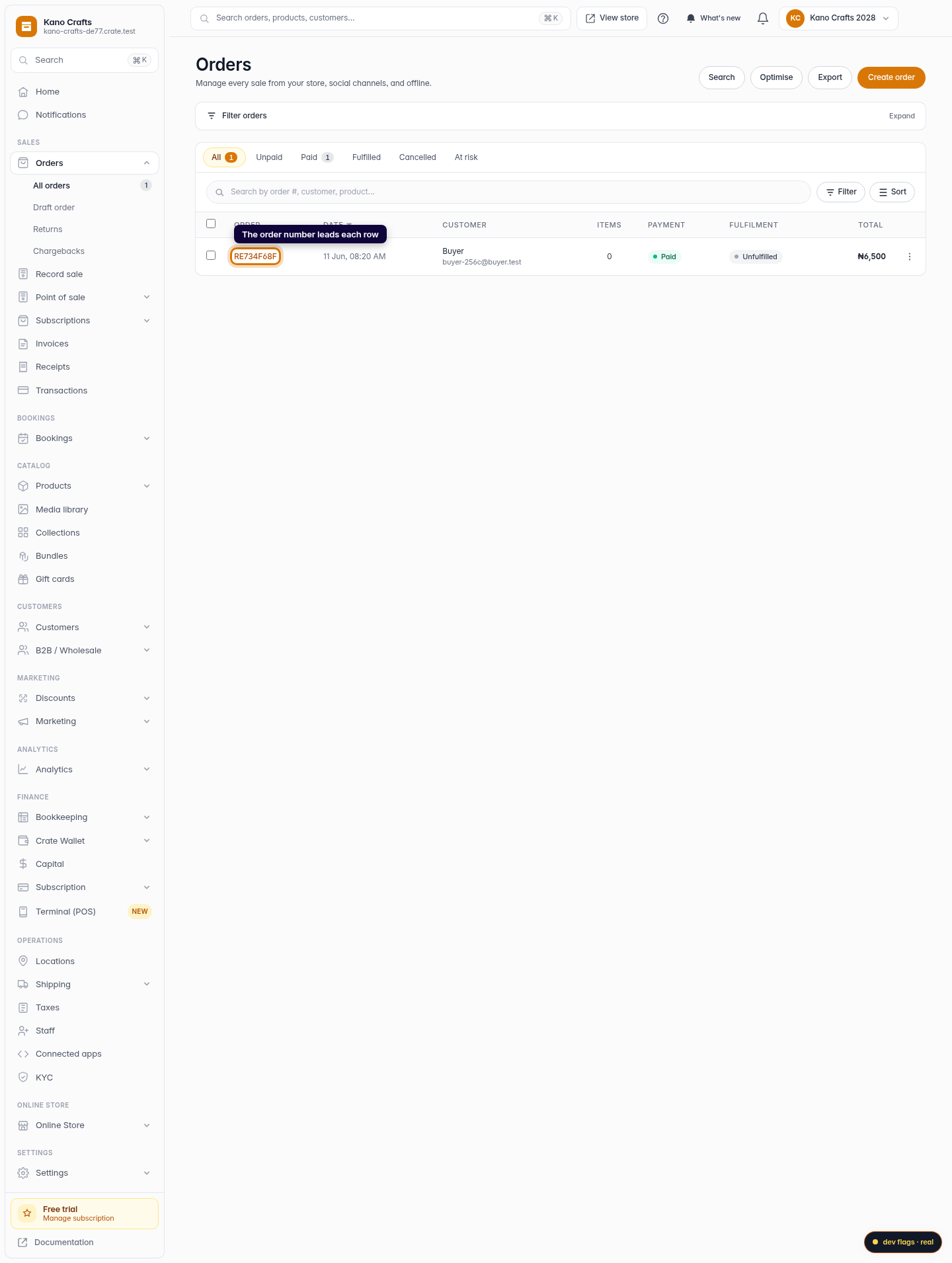
- as the lead column in your Orders list,
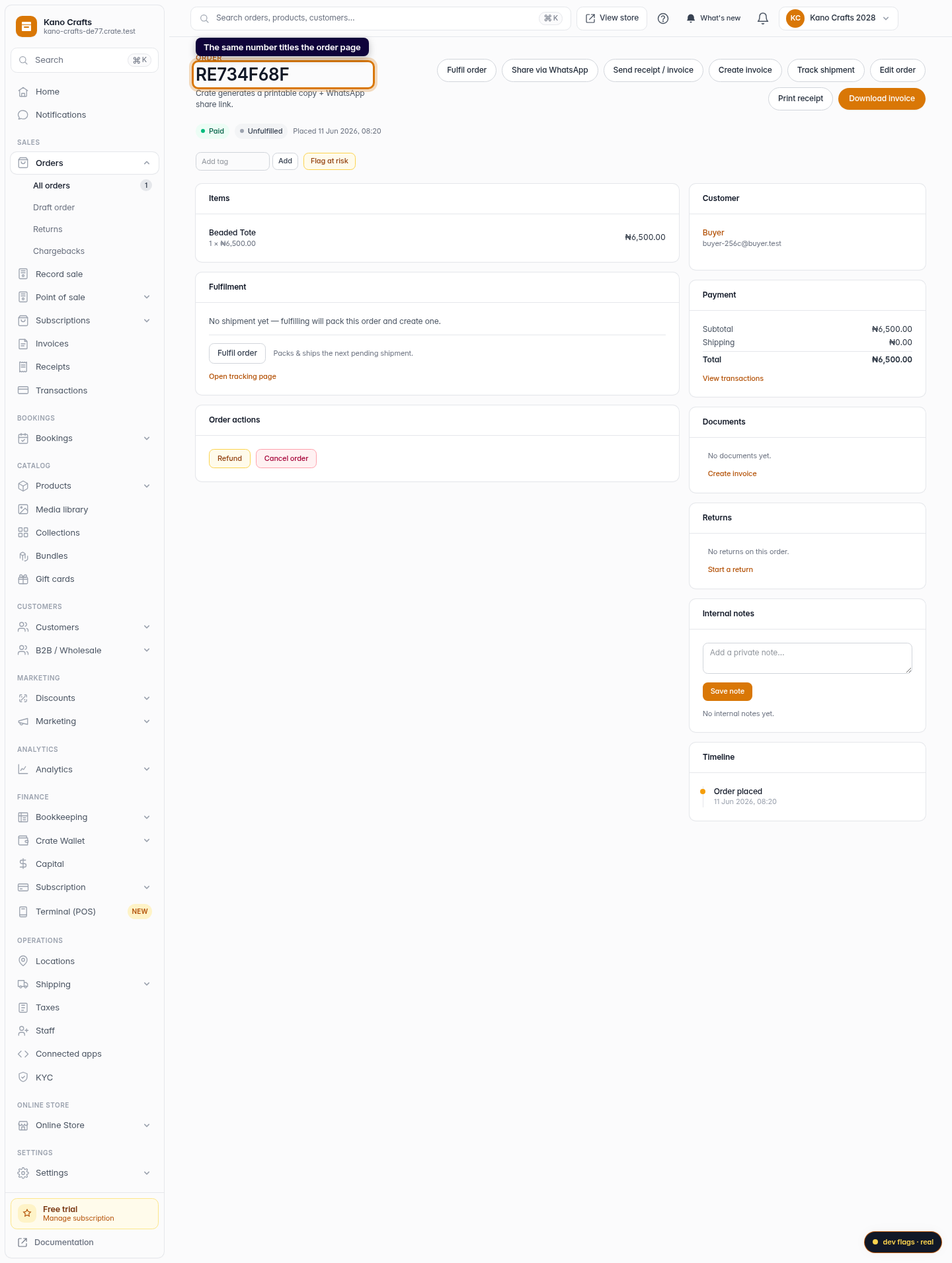
- as the title at the top of the order's detail page,
- on the order's receipt and invoice,
- in the order timeline notices and customer messages.
Why it matters
A consistent order number means you and your customer are always talking about the same sale. When a buyer messages "what's the status of my order?", you can ask for their number, drop it into the Orders search, and pull up the exact order — no scrolling, no guesswork.
Tip: The order number is also how related records stay linked. An invoice or receipt you generate references its order number, so your paperwork and your orders never drift apart.
To look an order up by its number, see Find an order by its number.
-
1
Find the number in your Orders list
Open Orders. Each row leads with its order number — a unique reference Crate assigns the moment the order is created.
Web 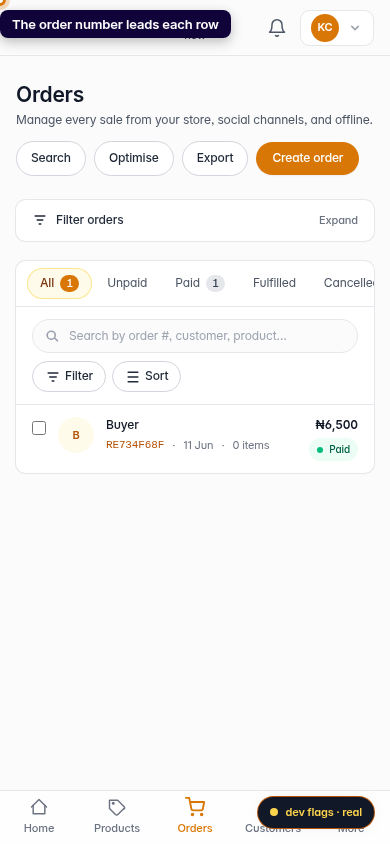
Mobile -
2
See it on the order page
Open any order and the order number sits at the top of the page as the order's title. This is the same reference that appears on its receipt and invoice.
Web