Connect Fez Delivery
Connect your Fez Delivery account to Crate for same-day intra-Lagos and nationwide courier rates — paste three credentials and run a test pickup.
Fez Delivery is built for fast Nigerian fulfilment — same-day intra-Lagos runs plus nationwide courier coverage. Connect it to Crate and you can hand off orders to Fez's delivery partners straight from your store.
Before you start
You'll need a Fez merchant account with API access. Fez verifies businesses (KYB) before switching API access on, so register at merchant.fezdelivery.co and complete verification first. Once that's done you'll have the three credentials Crate needs.
Crate needs all three — User ID, Password, and Secret Key. Copy them carefully; the password and secret are write-only here, so Crate won't display them again after you connect.
After you connect
With Fez connected, you can create waybills for orders and track them through Fez's partners. Run a sandbox waybill from the test step to confirm the connection works end to end. Need to update a credential later? Reopen the wizard and use Change credentials.
-
1
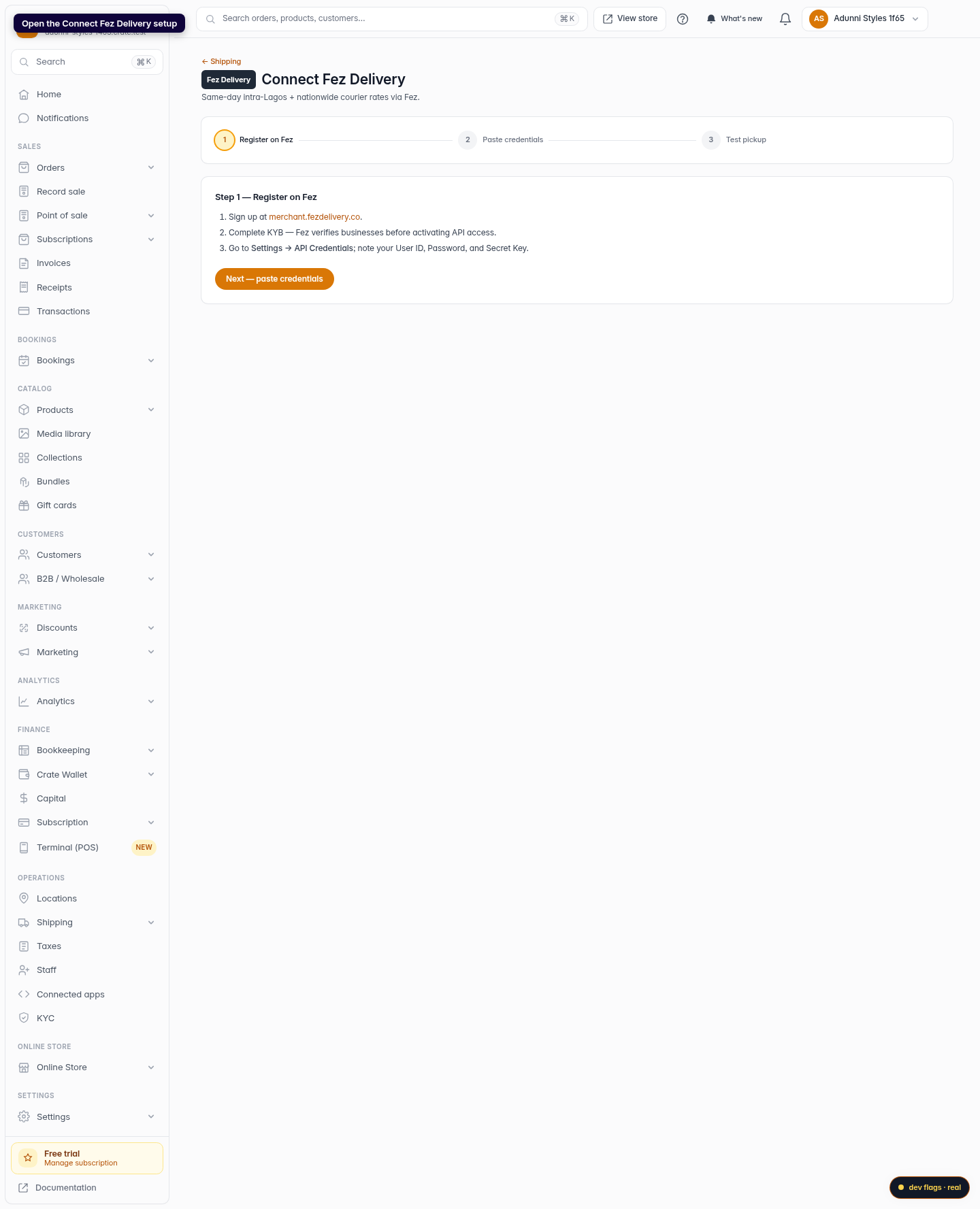
Open the Fez setup
From your Crate dashboard, open the Connect Fez Delivery wizard under Shipping. The step tracker walks you through registering, pasting credentials, and testing a pickup.
Web 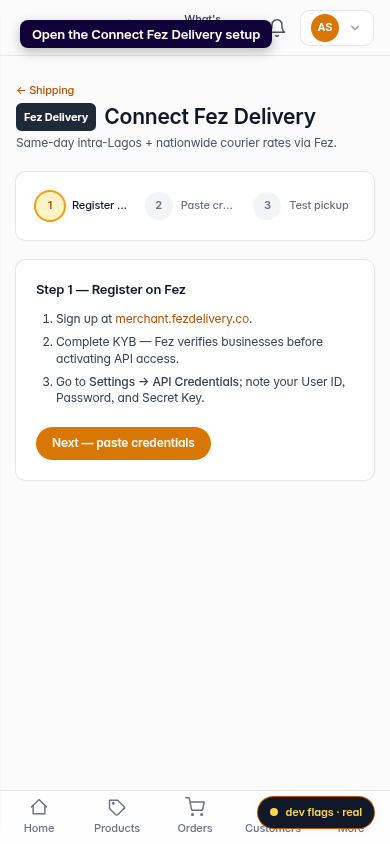
Mobile -
2
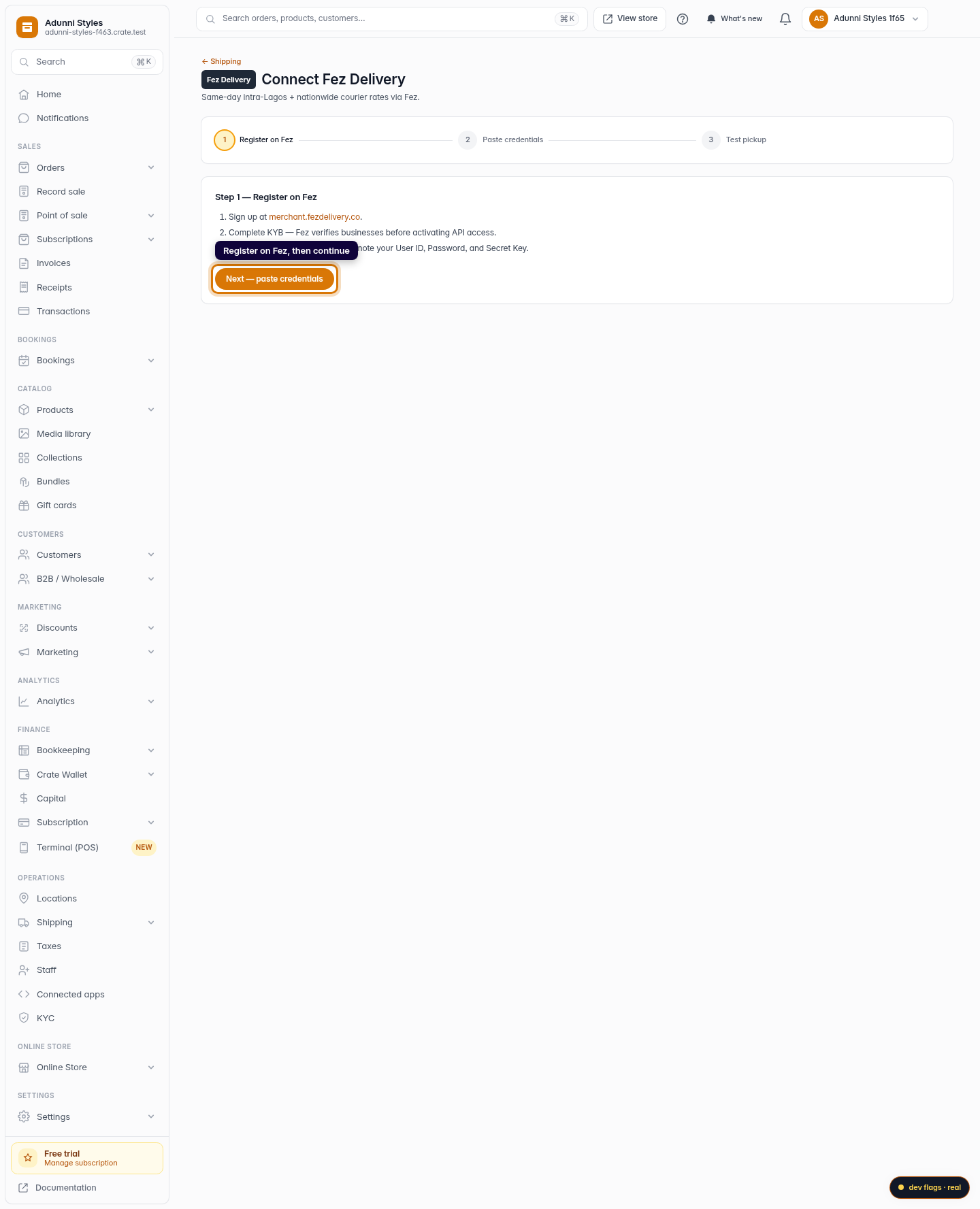
Register on Fez and get your credentials
Sign up at merchant.fezdelivery.co and complete Fez's business verification (KYB). Then open Settings → API Credentials and note your User ID, Password, and Secret Key. Click Next — paste credentials.
Web -
3
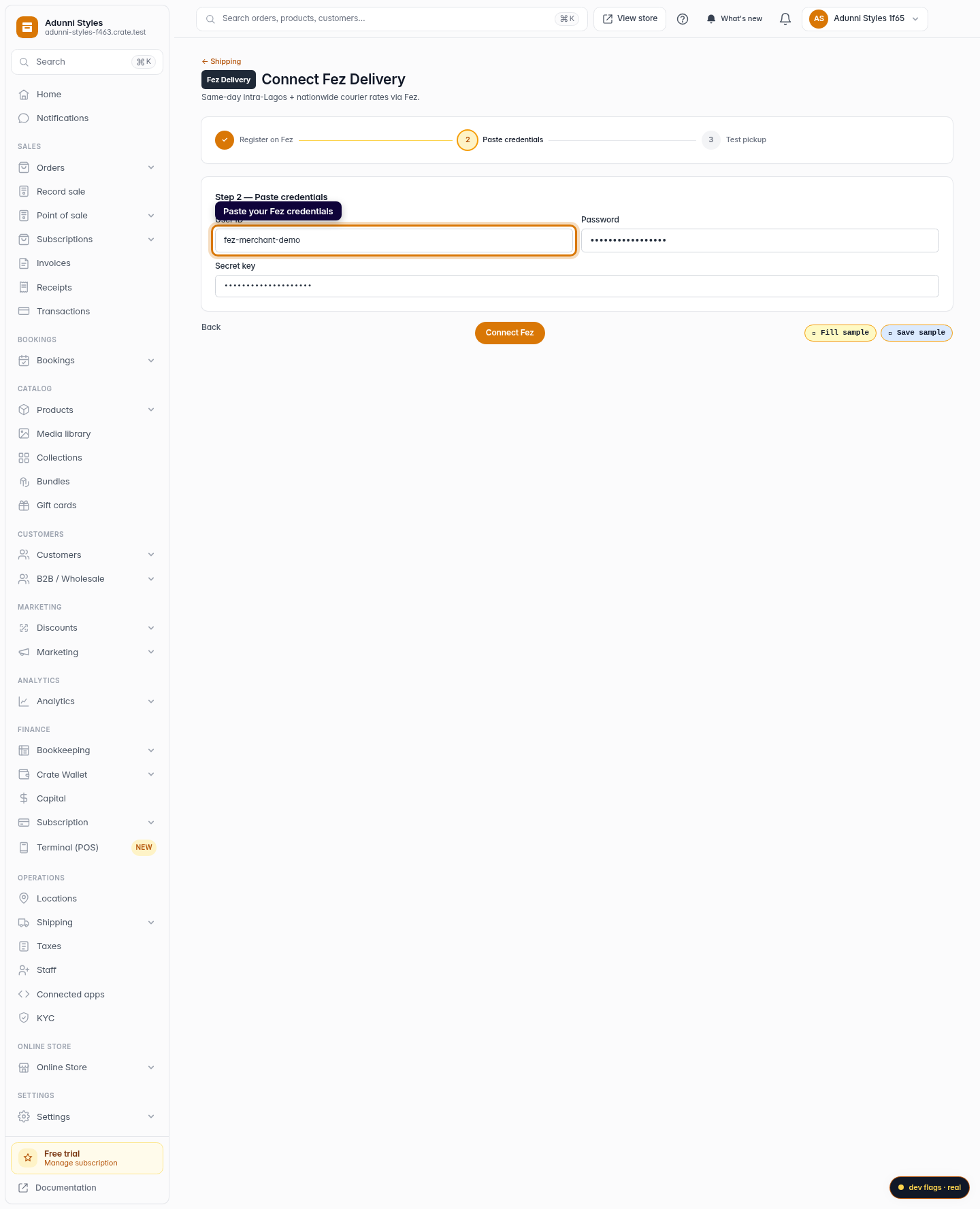
Paste your credentials
Enter your User ID, Password, and Secret Key into the three fields. Crate stores them encrypted — your password and secret are never shown again after you save.
Web 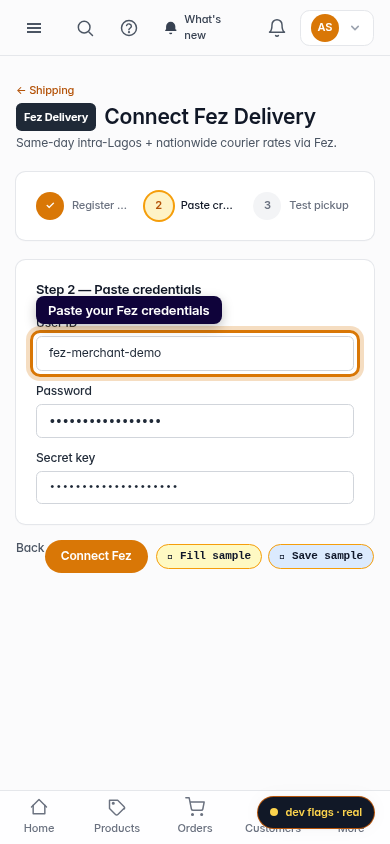
Mobile -
4
Connect and test a pickup
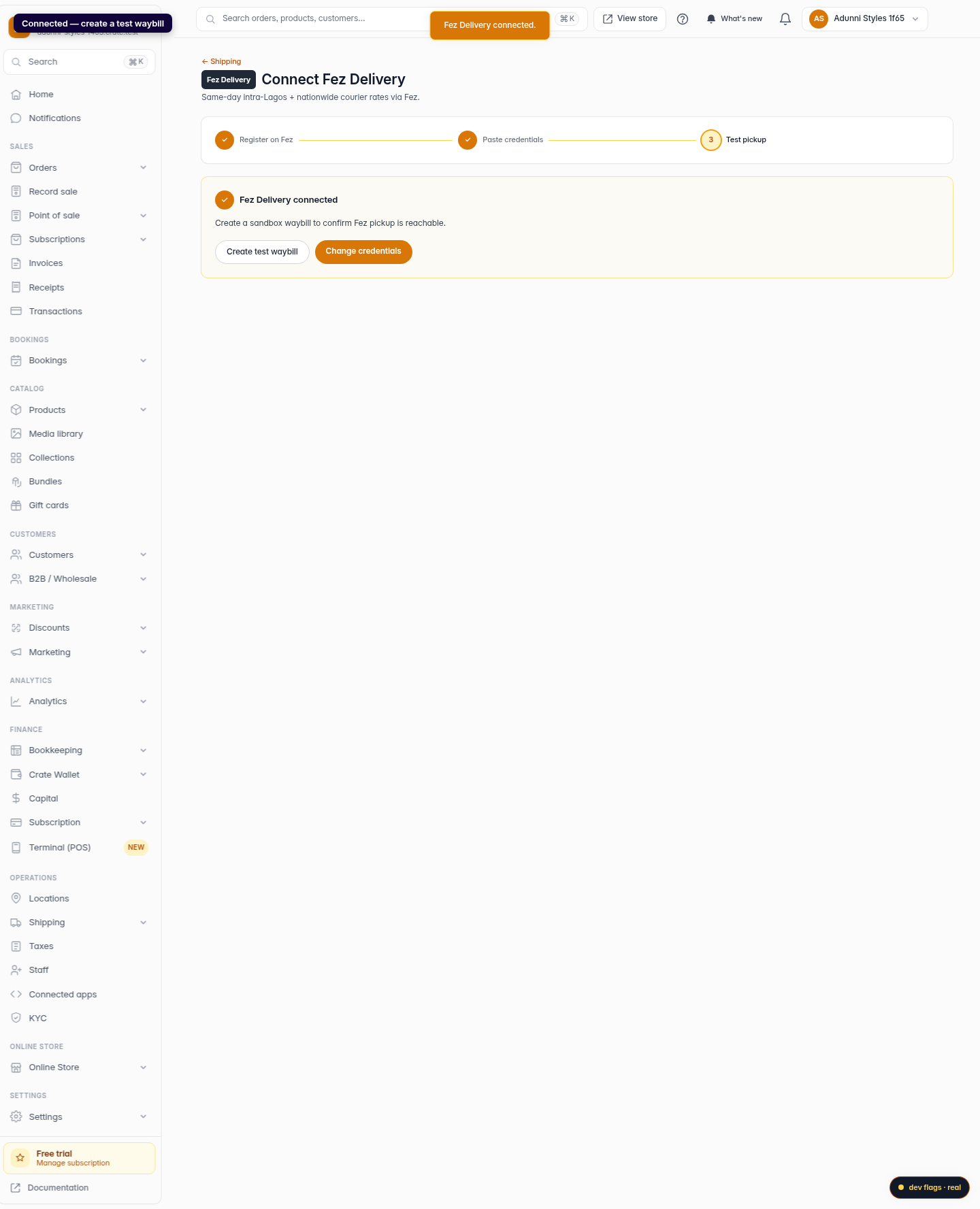
Click Connect Fez. Crate confirms the connection and drops you on the test step, where you can create a sandbox waybill to confirm Fez pickup is reachable.
Web 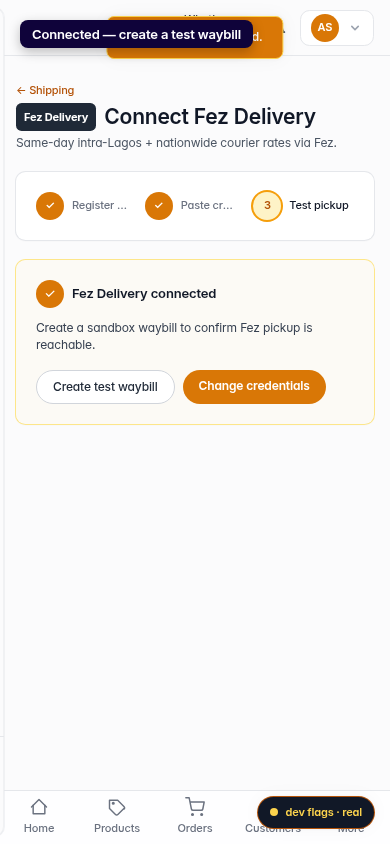
Mobile