Reset a forgotten password
Locked out of your Crate store? Request a reset link from the sign-in page, check your inbox, and set a new password in under a minute.
Forgotten passwords happen. Crate makes getting back in quick: you request a reset link from the sign-in page, we email it to you, and you set a new password yourself — no need to contact support.
Before you start
You'll need access to the email inbox you registered your store with. The reset link is sent there, and only there. If you're not sure which email that is, it's the inbox where you normally receive order alerts and Crate updates.
If you enter an email Crate doesn't recognise, you'll see a message saying we couldn't find an account with that address. Double-check for typos, or try the other email you might have signed up with.
After you reset
Once you've set your new password from the emailed link, head back to the sign-in page and log in with it. Your store, products and orders are exactly as you left them — resetting a password never touches your data.
-
1
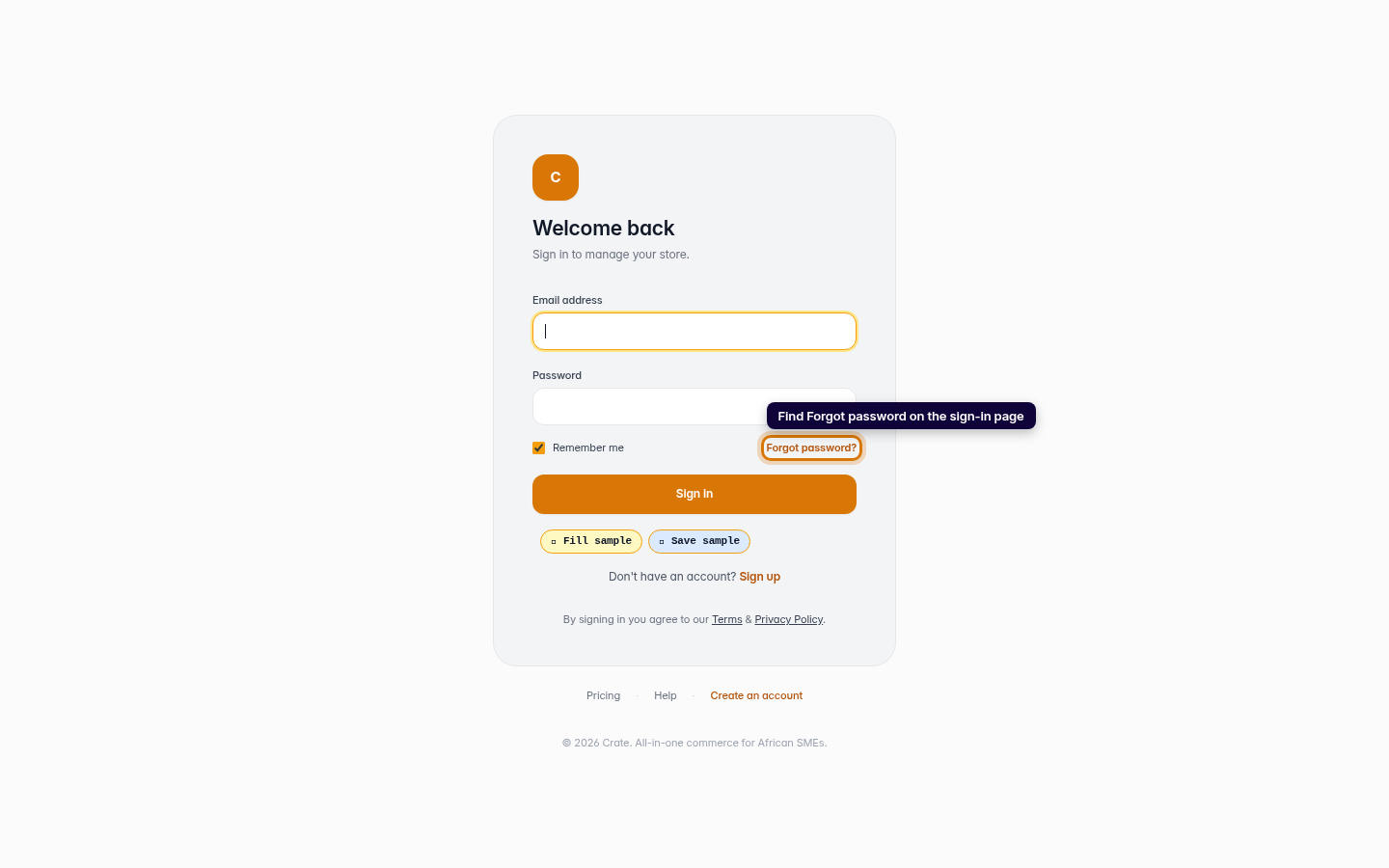
Go to the sign-in page
Open the Crate sign-in page. Below the password field you'll find the Forgot password? link.
Web 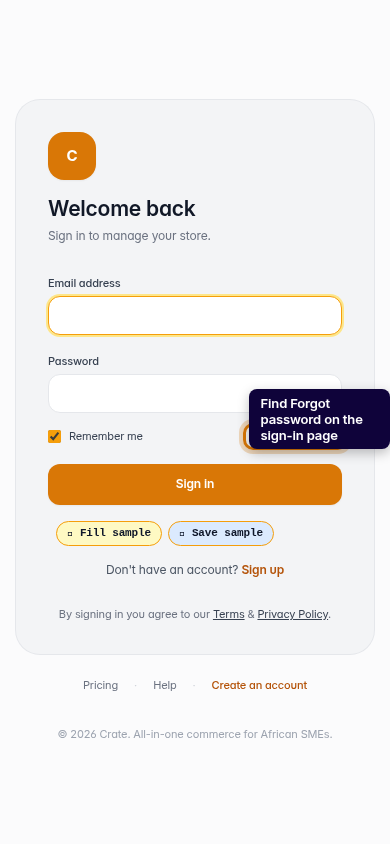
Mobile -
2
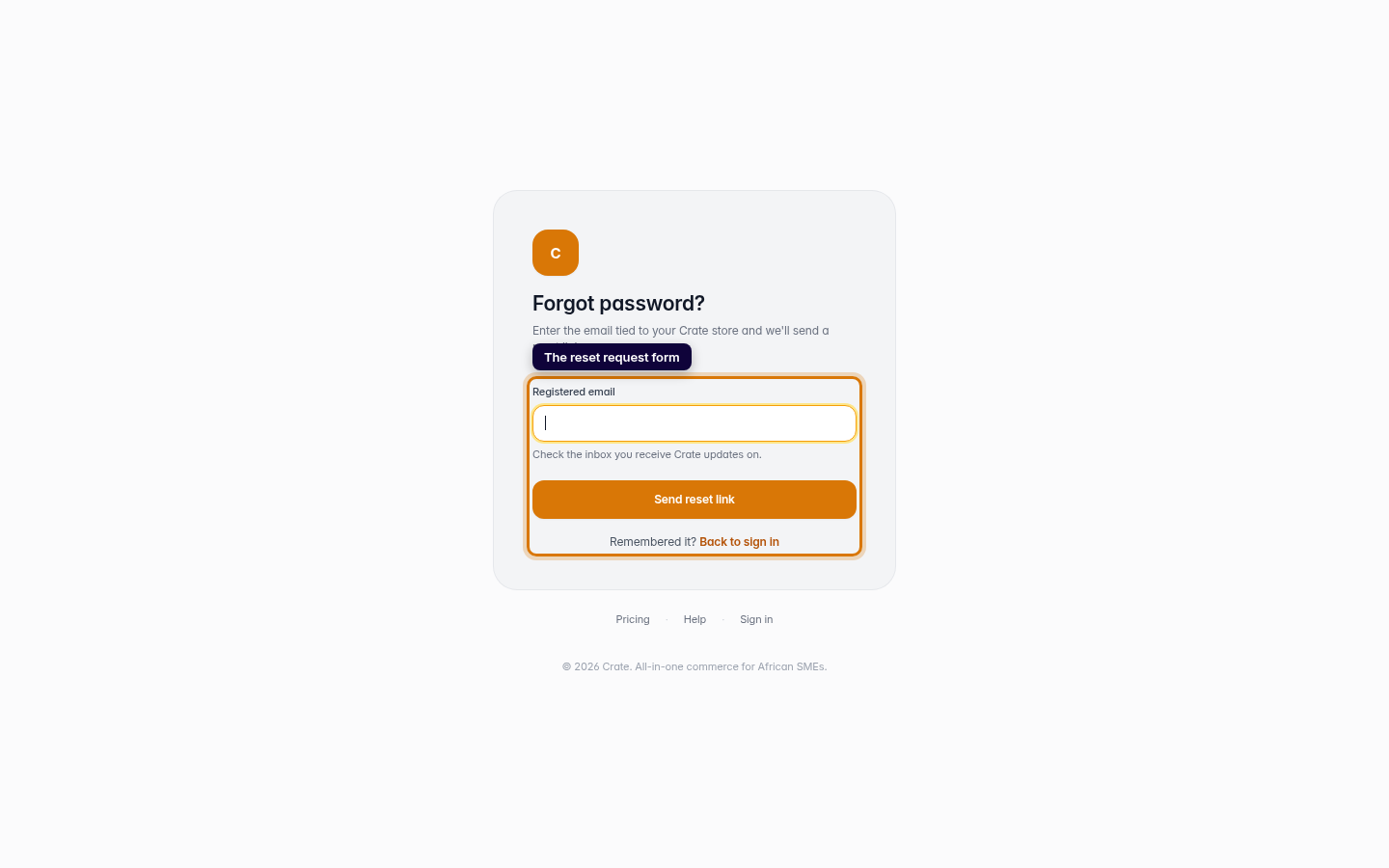
Click Forgot password
Click Forgot password?. Crate takes you to a short form that asks for the email tied to your store.
Web -
3
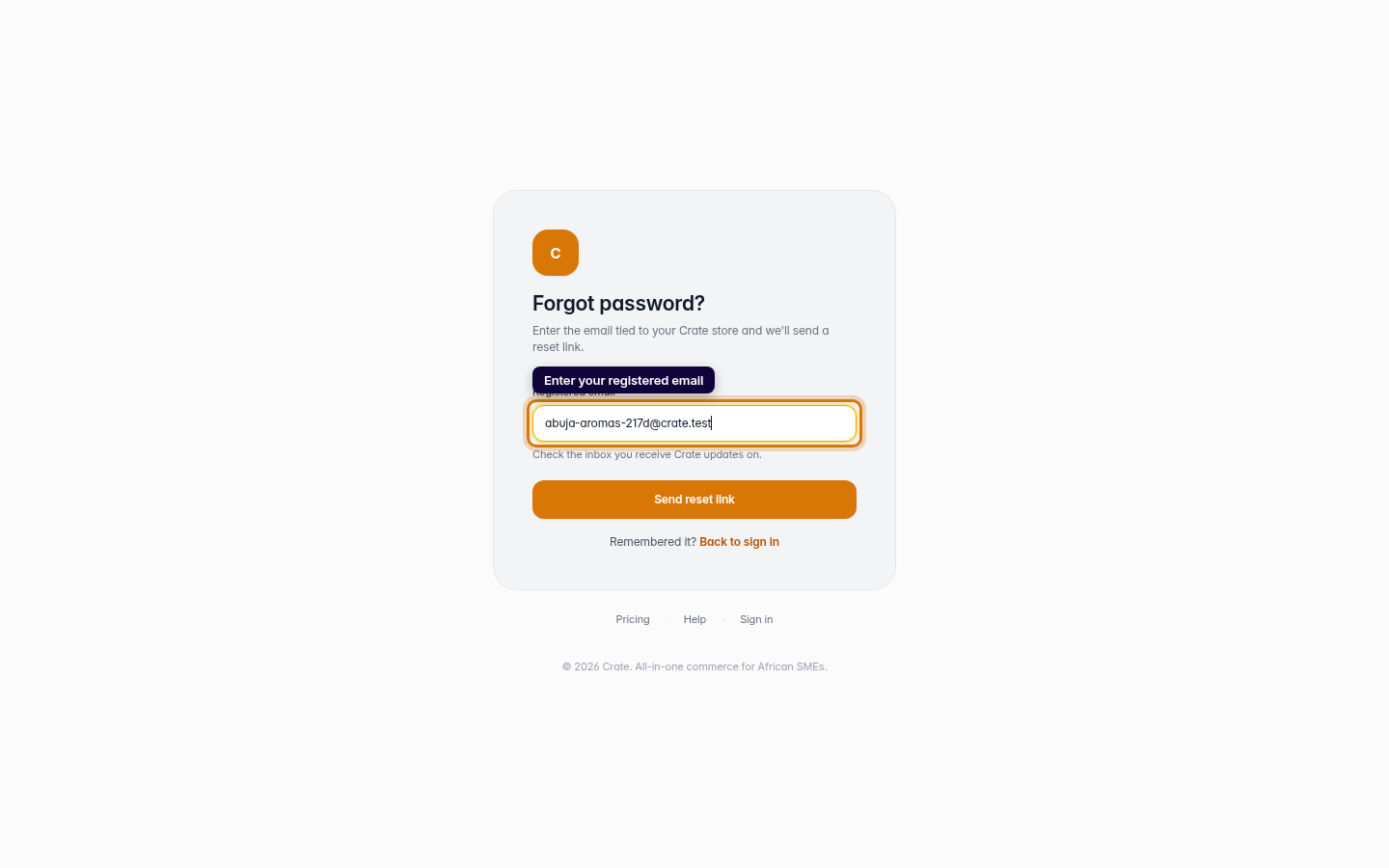
Enter your registered email
Type the email you registered your Crate store with — the inbox you receive Crate updates on — and click Send reset link.
Web -
4
Check your inbox
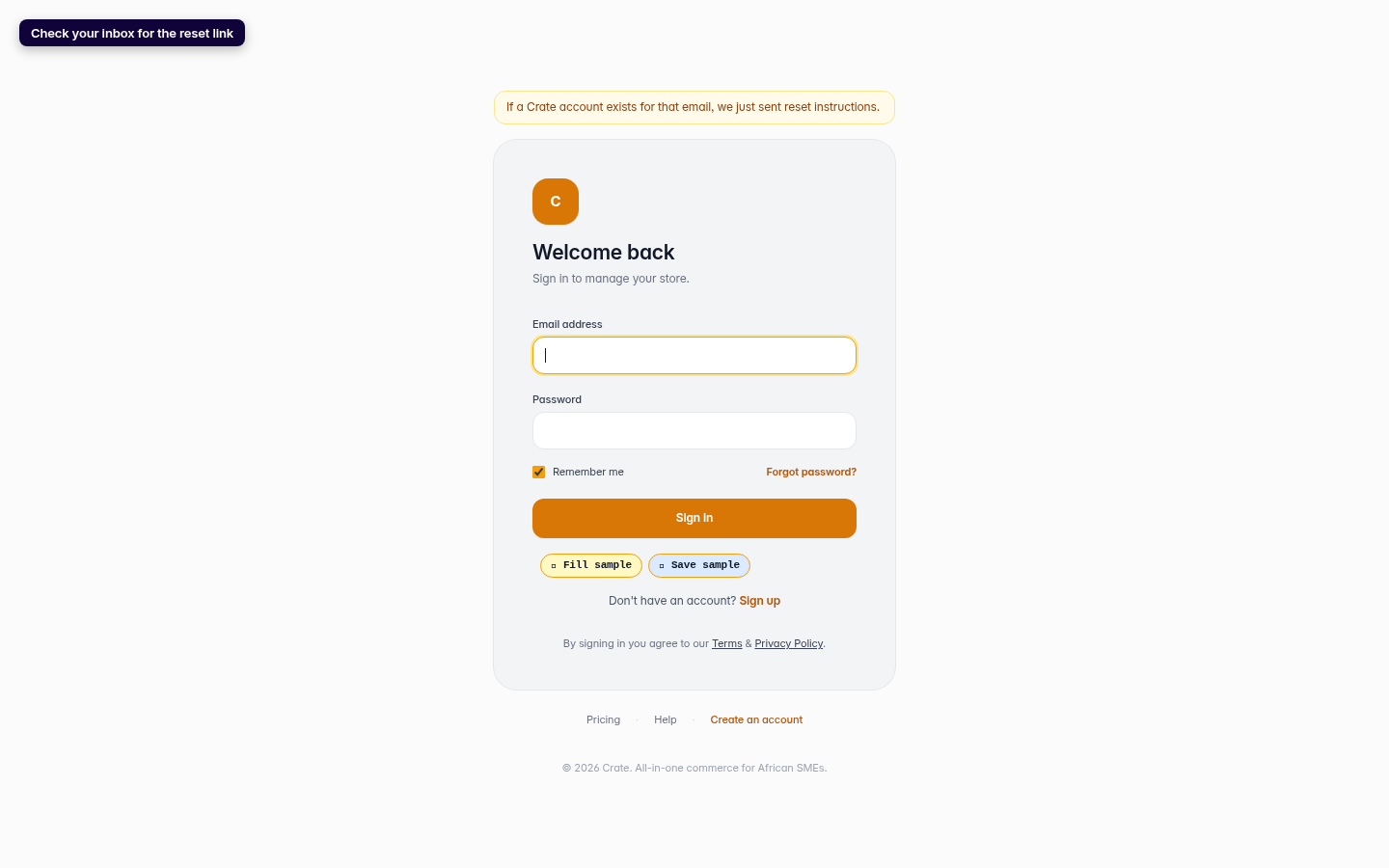
Crate confirms it's on the way. Open the Reset your password email and click the link inside to choose a new password. The link is time-limited, so use it soon.
Web 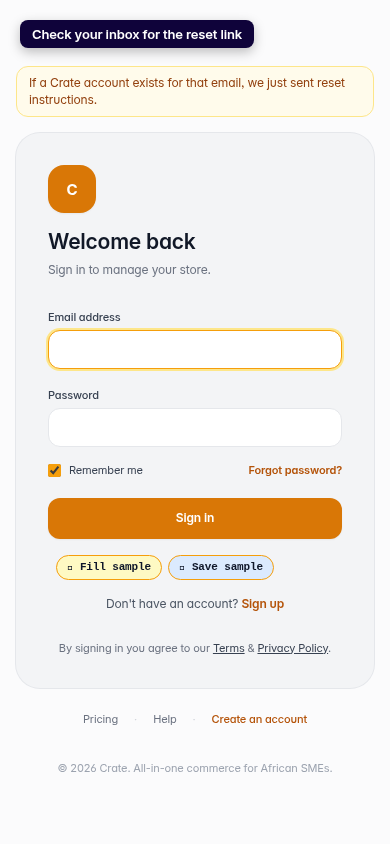
Mobile