Accept a staff invitation
Been invited to help run a Crate store? Open the link in your invitation email, set a password, and you're in — with exactly the access the owner granted you.
When a store owner adds you to their team, Crate emails you an invitation. Accepting it takes a few seconds and lands you right inside the store, with exactly the access the owner chose for you.
Before you start
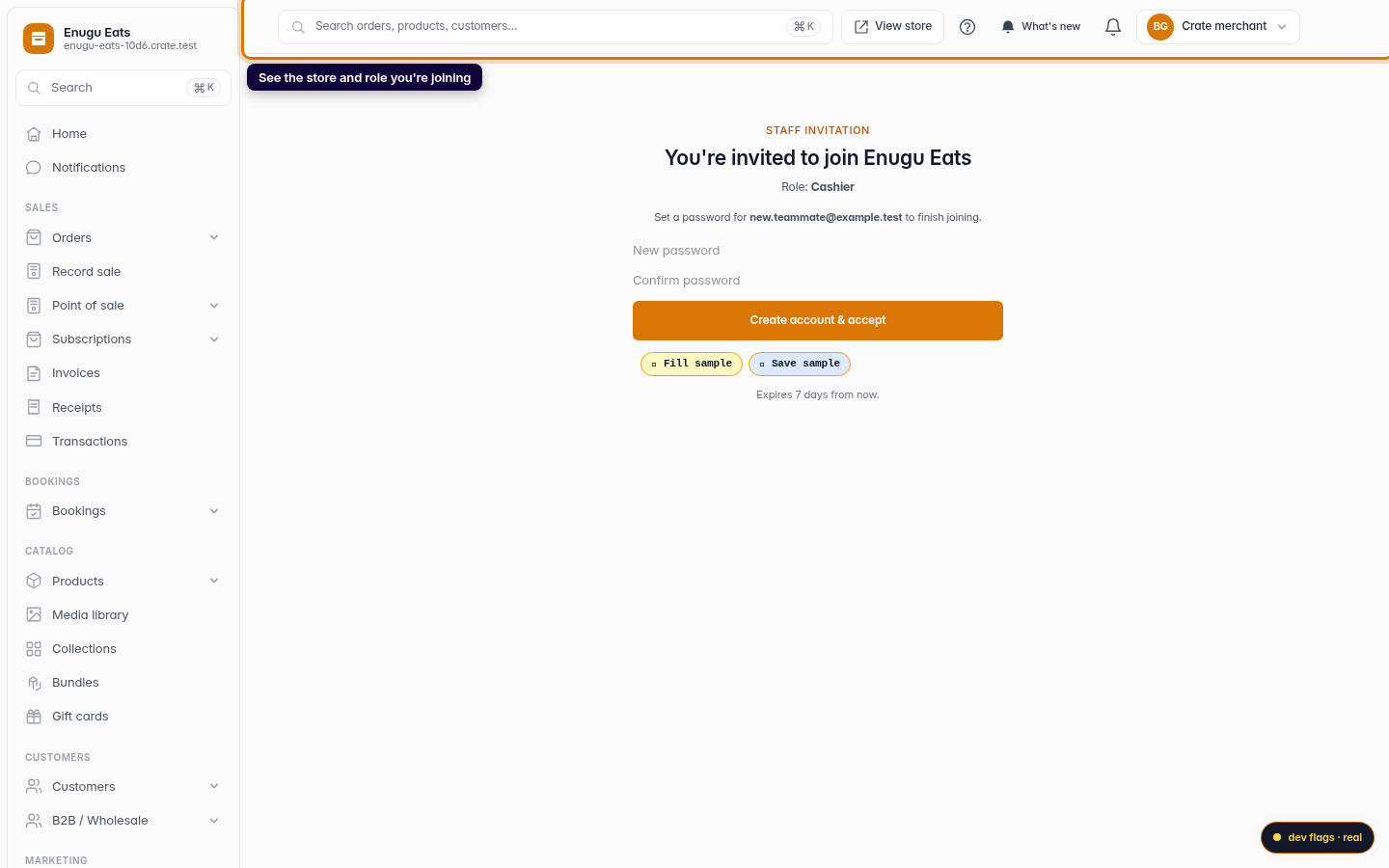
Open the invitation from the email address it was sent to — your account is tied to that email. The join page tells you which store you're joining and your role, so you always know what you're accepting.
Heads up: invitations are valid for 7 days. If yours has expired, just ask the store owner to send a fresh one — it only takes them a moment.
Two ways to join
- New to Crate? Set a password on the join page and Crate creates your account and signs you in, all in one step.
- Already have a Crate account on that email? Sign in instead, and the invitation attaches your new role to the account you already use.
Once you're in, your dashboard reflects your role — you'll see the areas you've been given access to, and only those. If you need more access later, the store owner can update your role at any time.
-
1
Open your invitation
The store owner's invitation email links to a join page that shows which store you've been invited to and the role you'll have. Open it to get started.
Web 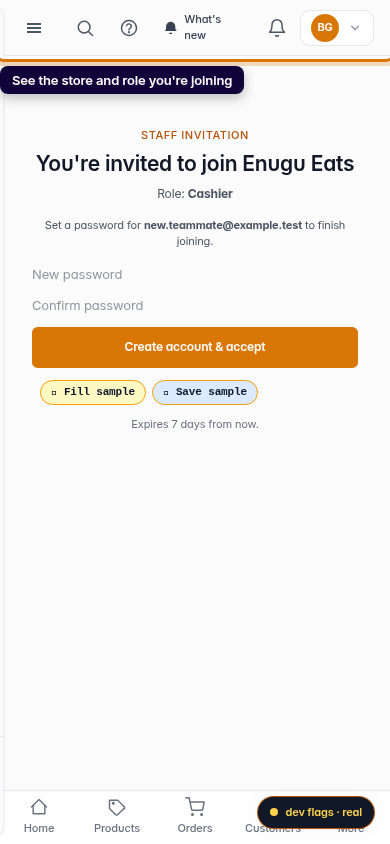
Mobile -
2
Set your password
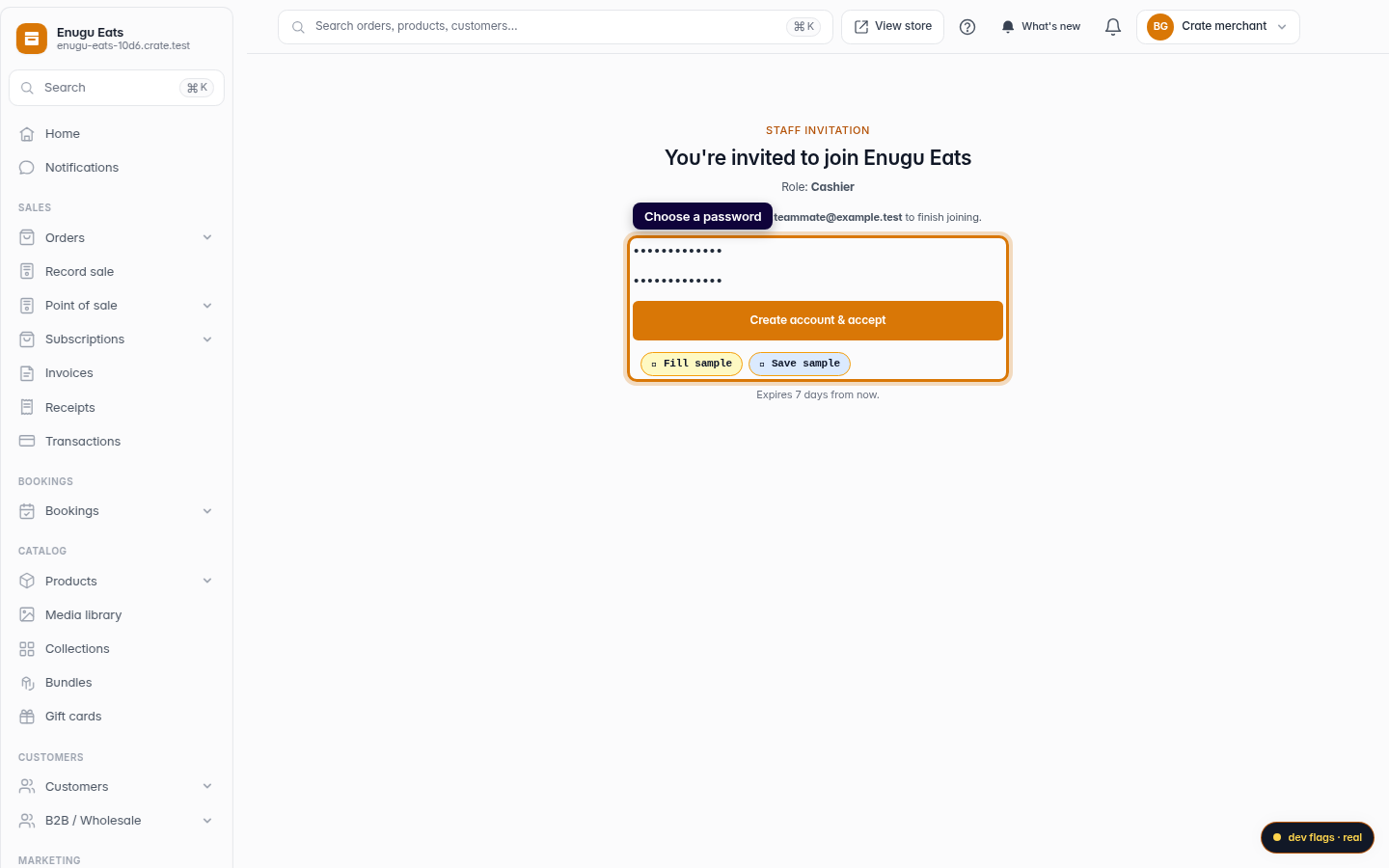
If this is your first Crate account, choose a password (at least 8 characters) and confirm it. This is the password you'll sign in with from now on.
Web -
3
Join the store
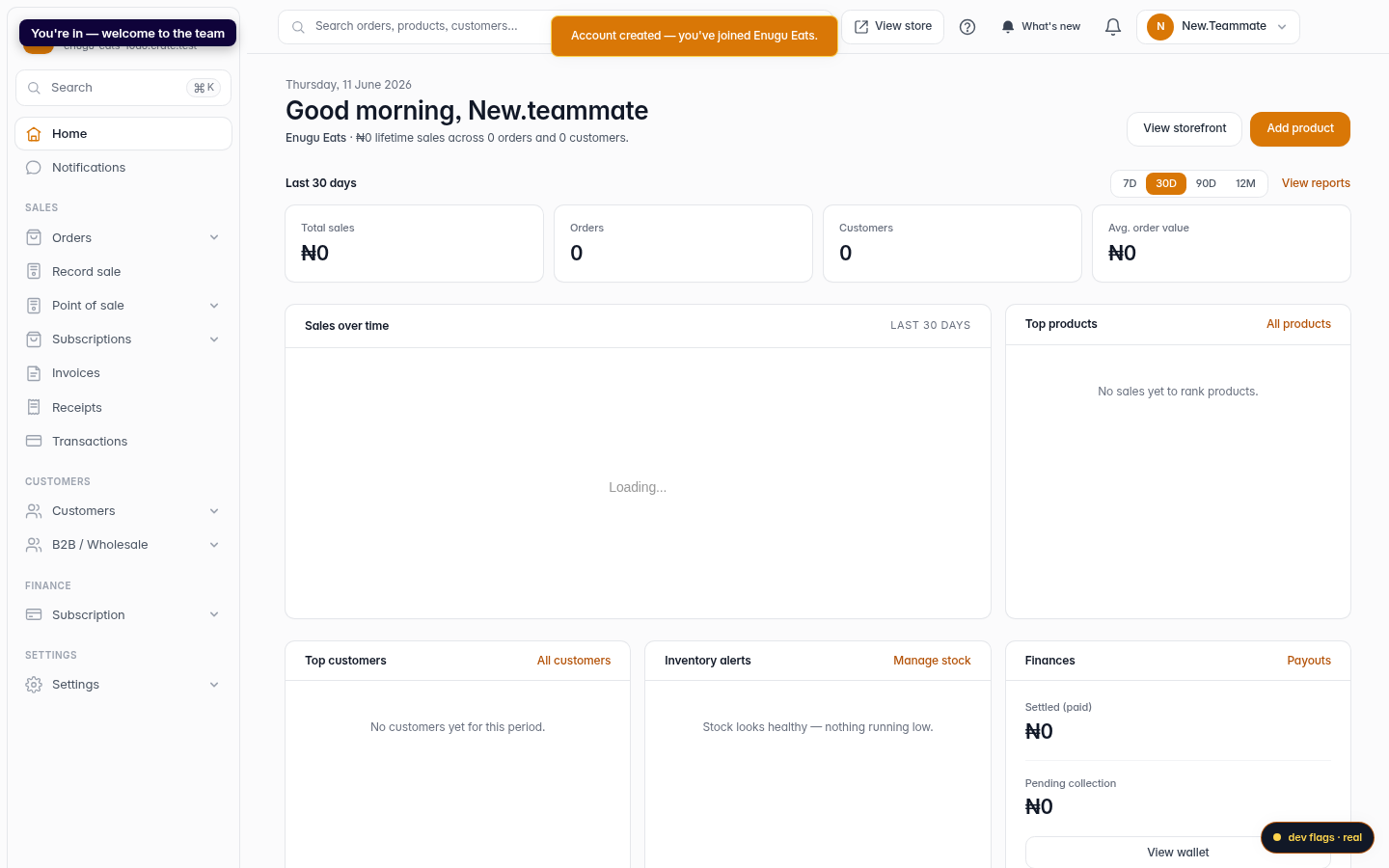
Click Create account & accept. Crate signs you straight in and drops you on the store dashboard — you've joined the team.
Web 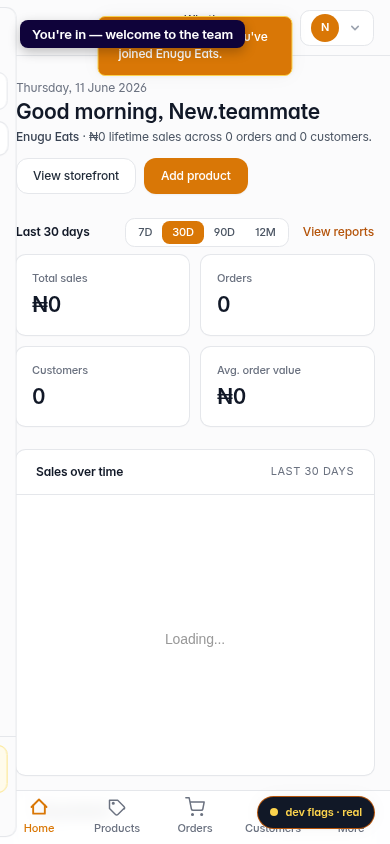
Mobile