Payment methods
Choose how shoppers pay you on Crate — Paystack, direct bank transfer, Nomba or Lemon Squeezy — and see at a glance which gateways are live and where your payouts land.
Payment methods are how money moves from your shopper to you. Crate gives you several to choose from, and you can run more than one at once — a card gateway for convenience and a direct transfer option as a fallback, for instance. The Payments page shows them all in one place.
Where your payouts land
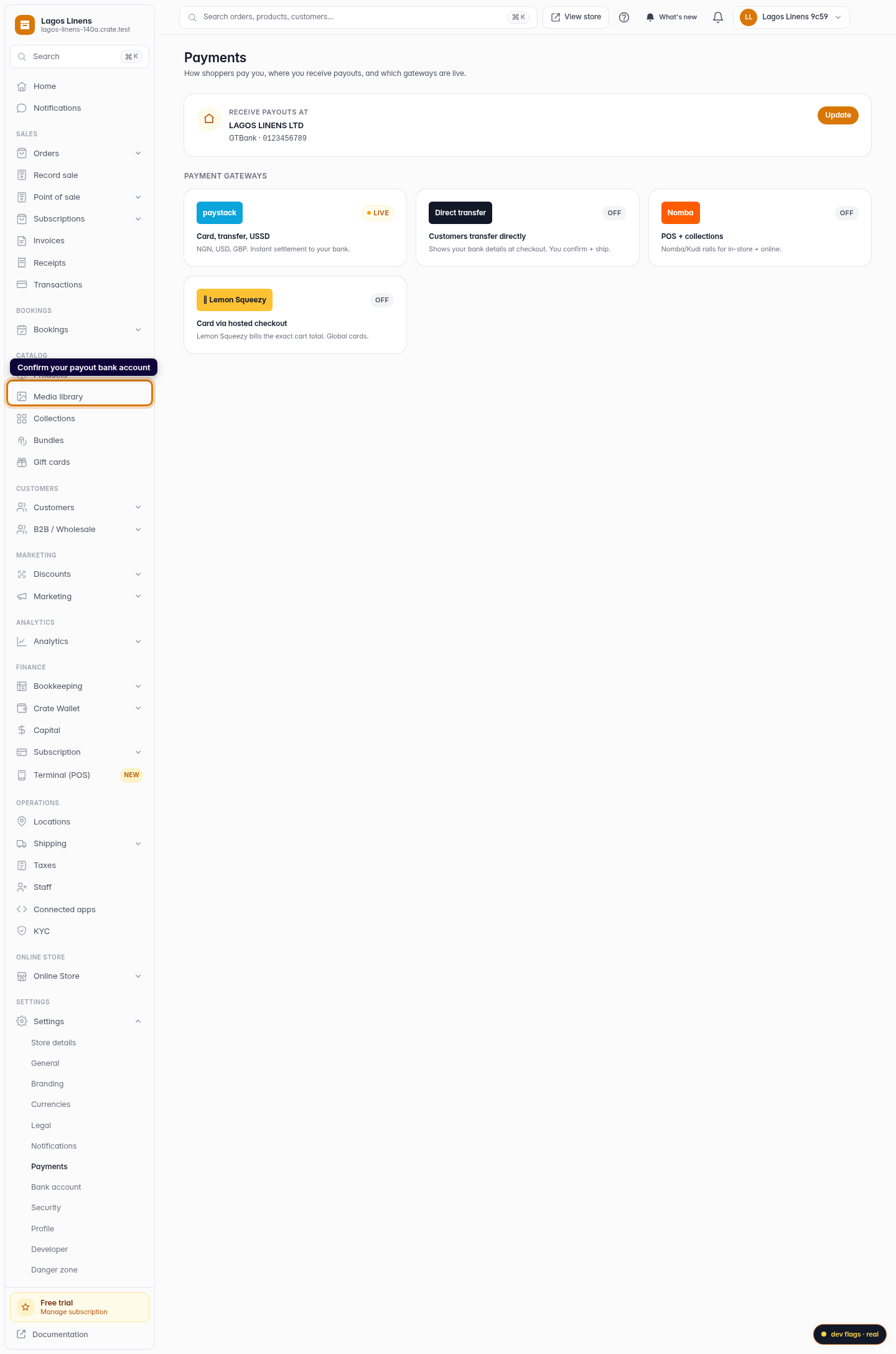
Before any gateway matters, Crate needs to know where to pay you. The card at the top of the page shows your bank account on file. If it says No bank account on file, add one — until you do, Crate has nowhere to settle your takings.
The gateways
- Paystack — cards, bank transfer and USSD in NGN, USD and GBP, with instant settlement to your bank.
- Direct transfer — shows your bank details at checkout; the customer transfers, then you confirm and ship. No processing fee.
- Nomba — Nomba/Kudi rails for in-store and online collections.
- Lemon Squeezy — a hosted checkout that bills the exact cart total and accepts global cards.
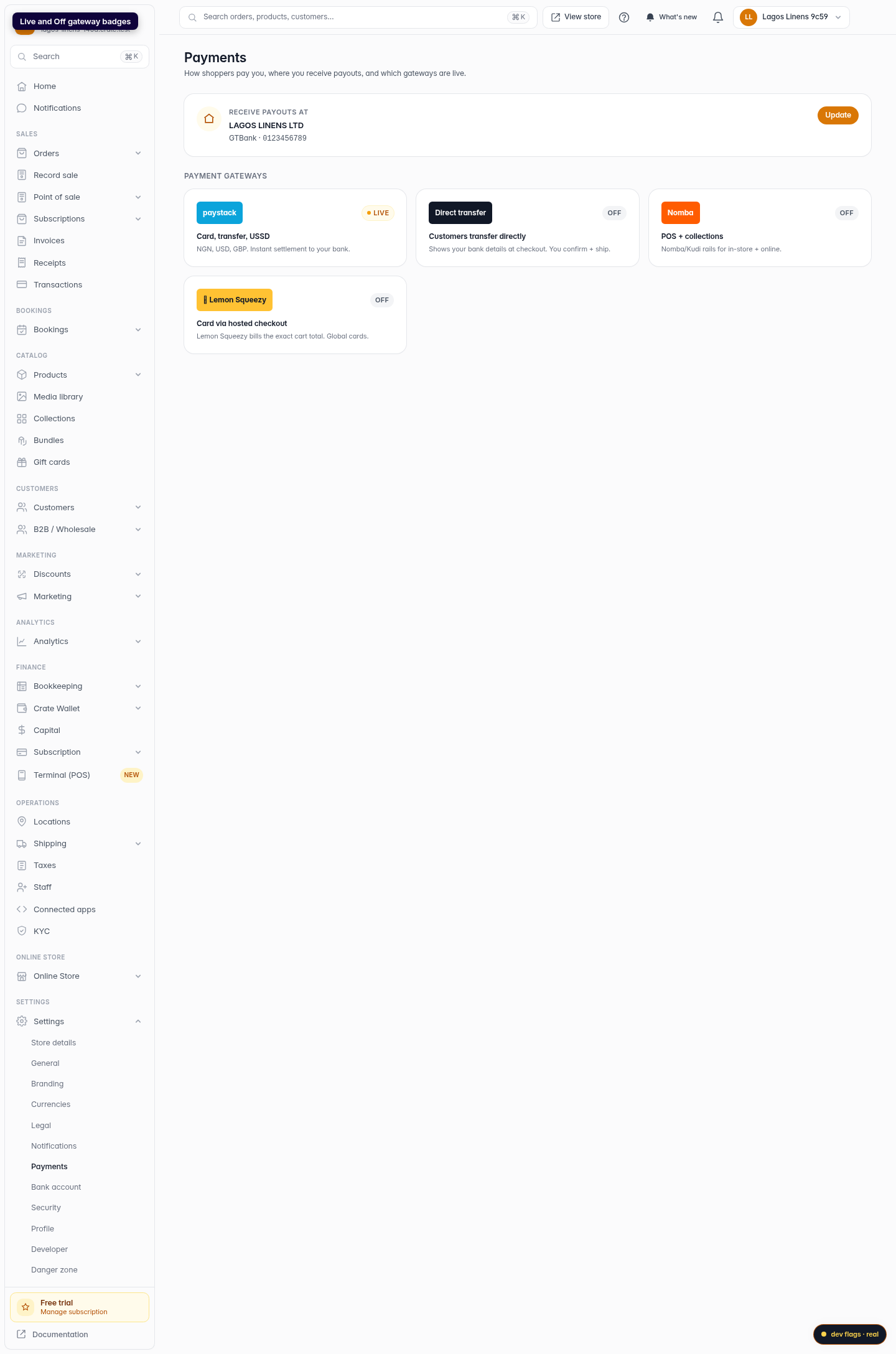
Each tile carries a Live or Off badge so you always know what your shoppers can actually use at checkout.
Turning a method on
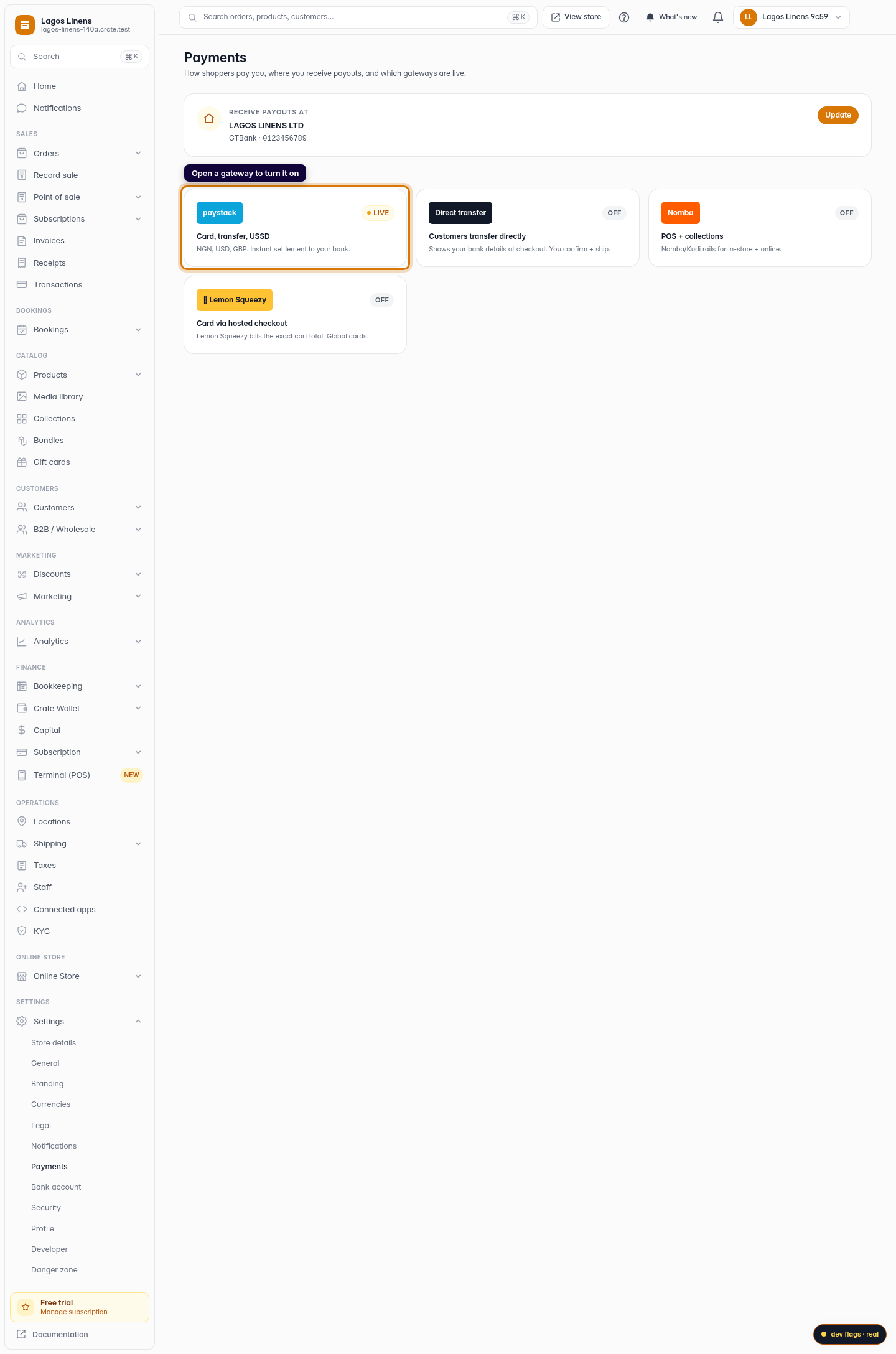
Click a gateway to open its setup screen, add the keys it needs, and switch it live. The badge flips to Live and that method appears at checkout immediately.
Most payment methods carry a small per-transaction charge. You can choose whether your customer covers it at checkout or it comes out of your settlement — set that under the transaction charge options.
-
1
Open Payments
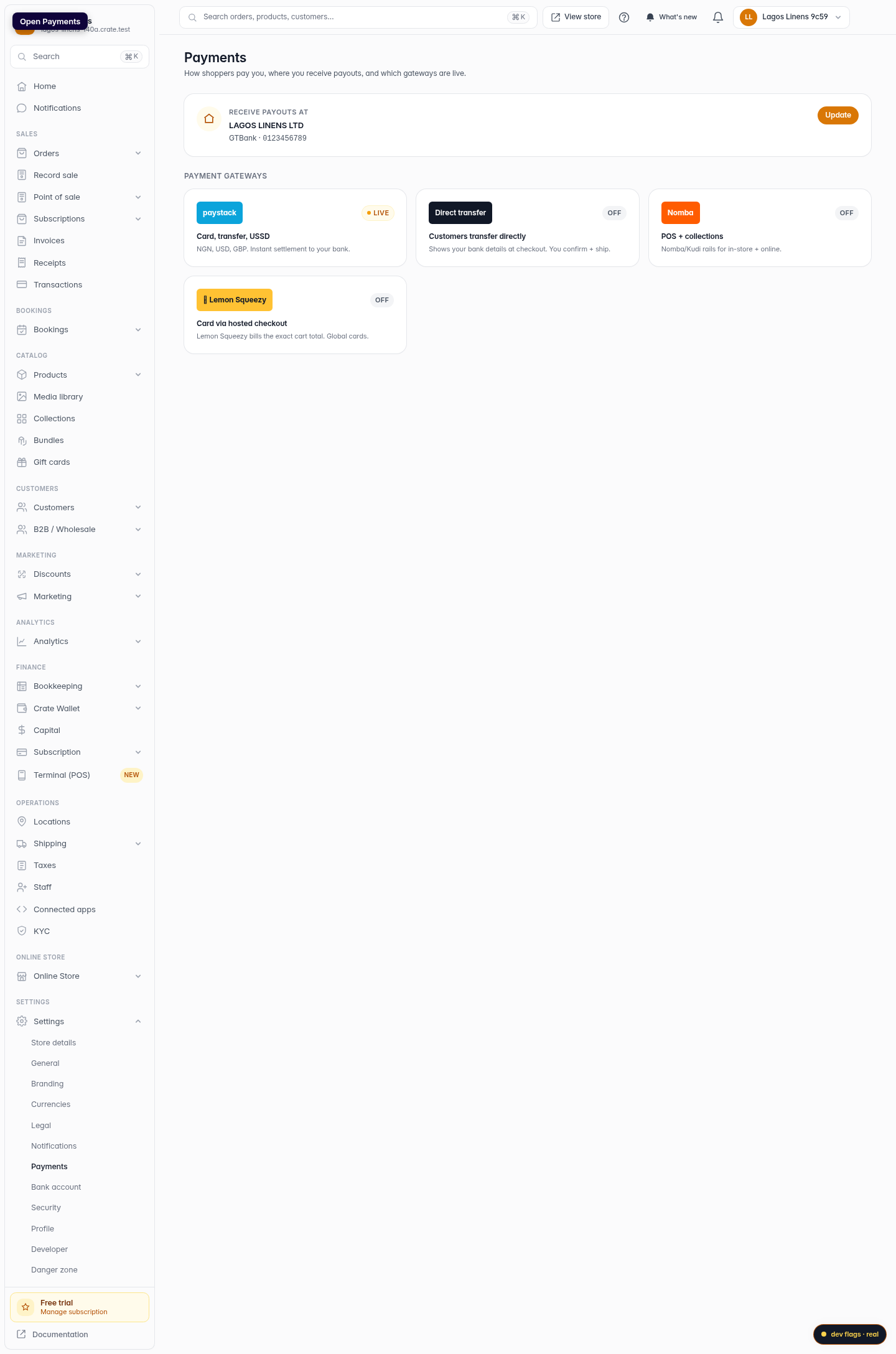
From your dashboard, open Settings → Payments. This is the home for everything about how you get paid.
Web 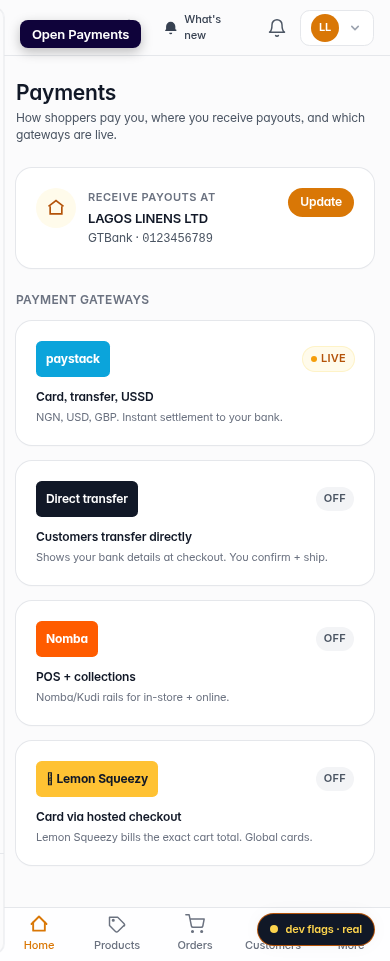
Mobile -
2
Check where payouts land
At the top, confirm the bank account your payouts settle into. If none is set, add one — Crate can't pay you out without it.
Web -
3
Review your gateways
Below that, every payment gateway is listed with a Live or Off badge so you can see exactly which methods your shoppers can use.
Web 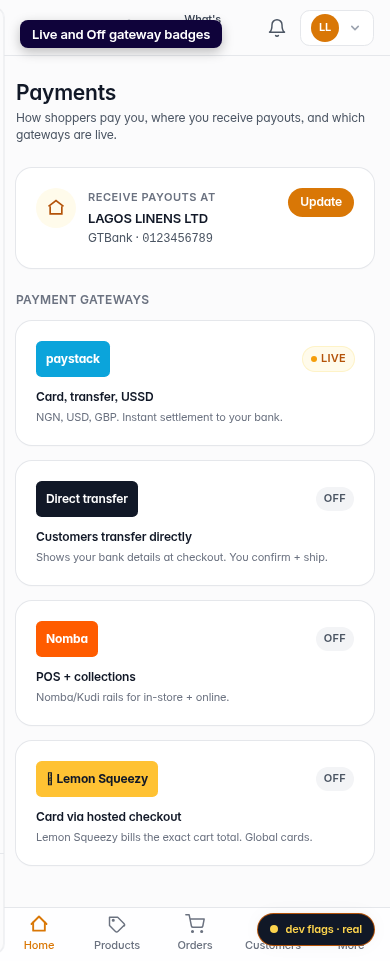
Mobile -
4
Open a gateway to turn it on
Click any gateway — Paystack, Direct transfer, Nomba or Lemon Squeezy — to add your keys and switch it live.
Web