View your Terminal on the mobile app
Get Crate Terminal on your phone — scan the QR code or grab the app from the App Store or Google Play, then reach your virtual account, transactions and WhatsApp alerts from anywhere.
Crate Terminal turns a virtual account number into a point of sale you can run from your pocket. Once it's on your phone, you can take a transfer at a market stall, confirm a payment from a WhatsApp alert, and match it to an order — all without opening a laptop.
What you can do from the app
- Copy your account details to share with a walk-in customer at checkout.
- View your transaction charges so you always know the fee per transfer.
- Manage WhatsApp numbers — add or remove the team members who get a ping on every successful payment.
- See your terminal transactions as they land.
Before you start
Your terminal account is tied to your store. Install the app and sign in with the same email you use for Crate so it links to the right business. If you haven't activated a terminal yet, do that first from Terminal → Activate on the web dashboard.
Tip: WhatsApp alerts are the fastest way to confirm a payment in person — you'll see the amount land before the customer has put their phone away. Add your most-present staff member's number so a sale never stalls waiting for you.
-
1
Open the Terminal hub
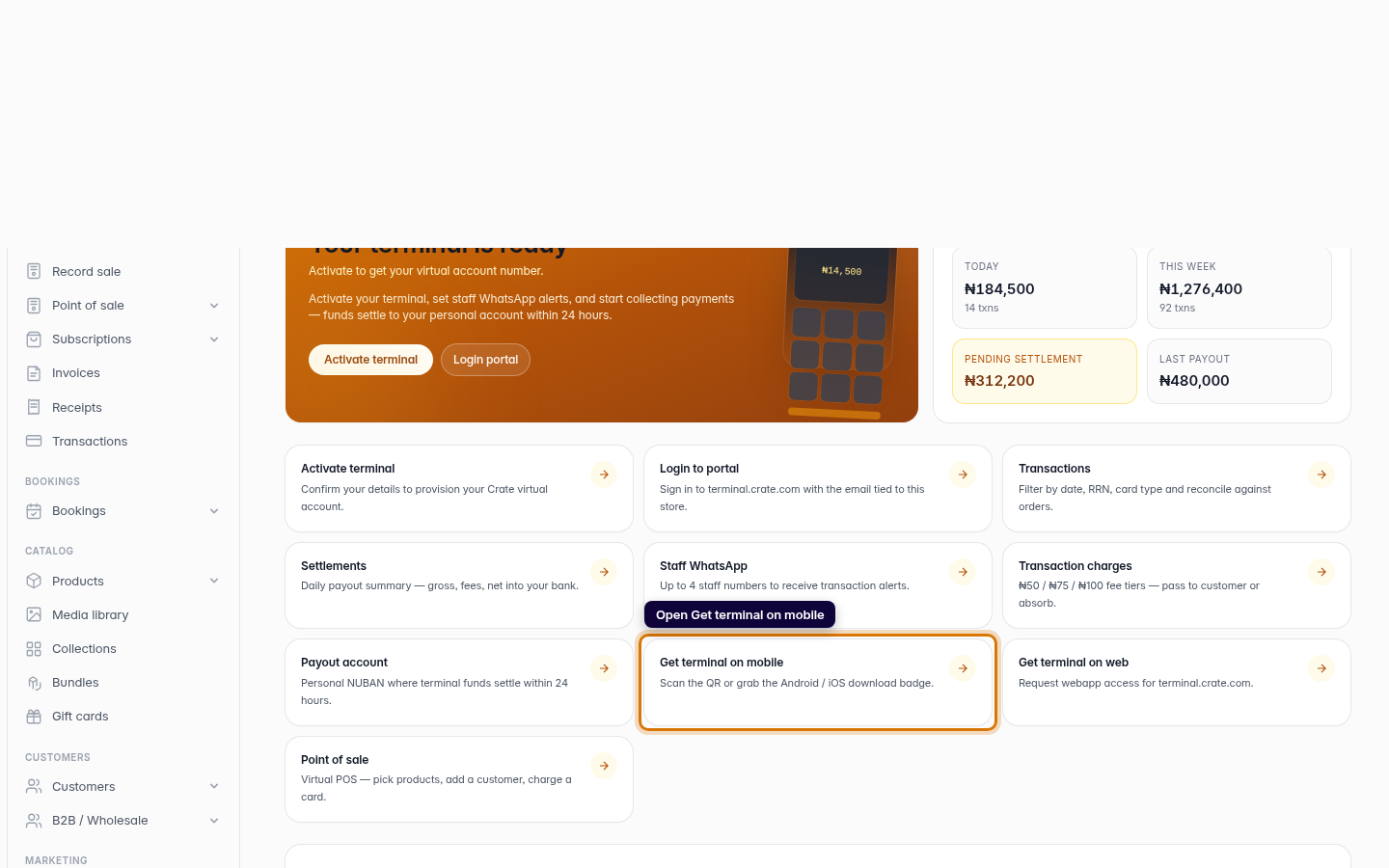
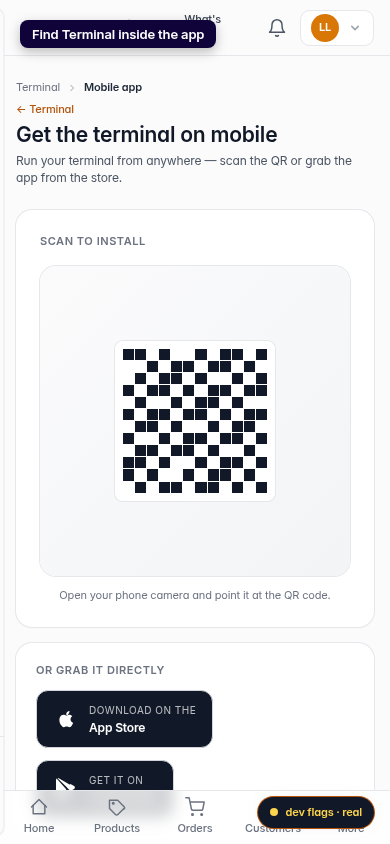
From your Crate dashboard, open Terminal and click Get terminal on mobile. This is where Crate hands your terminal off to your phone.
Web -
2
Scan to install
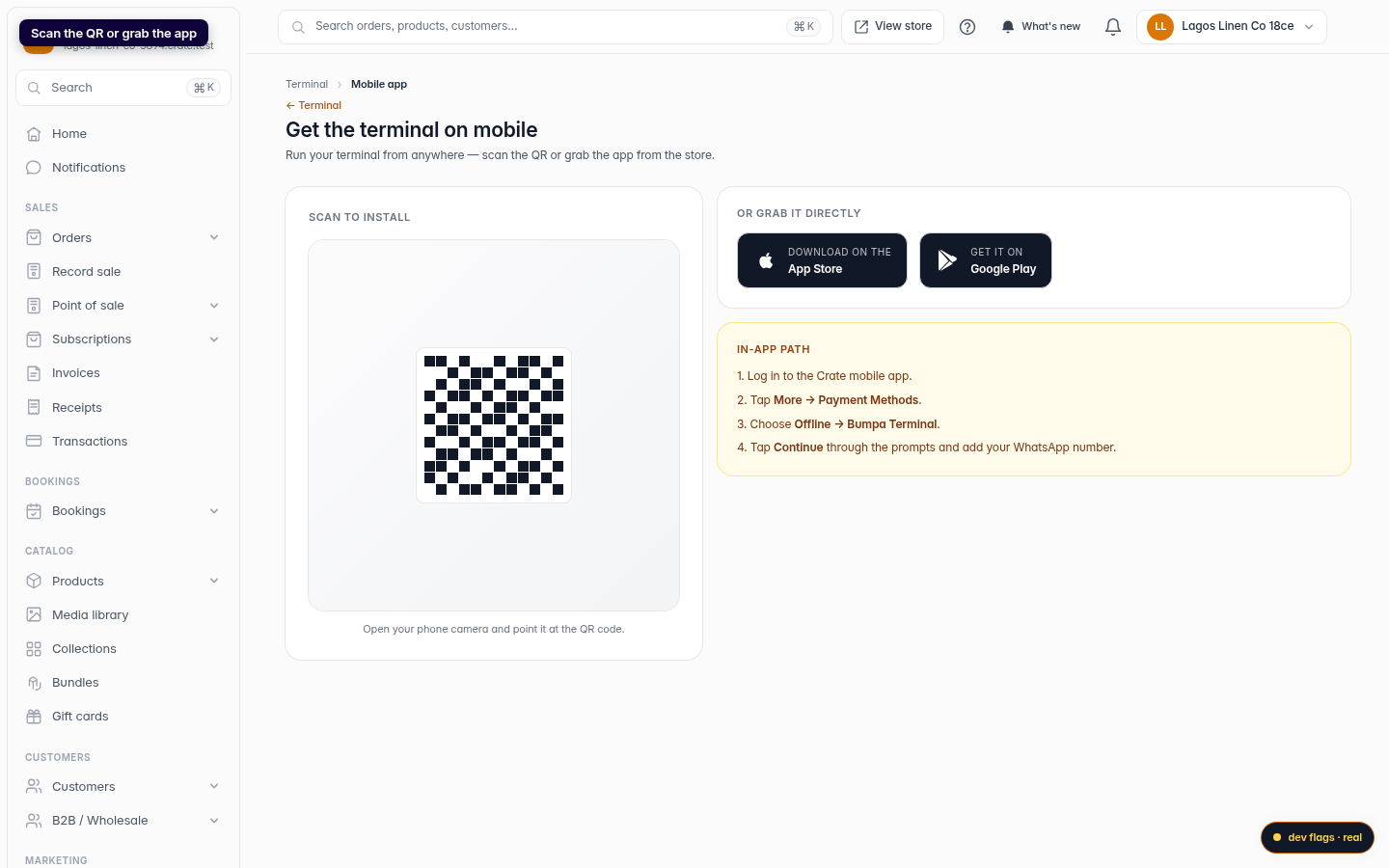
Point your phone camera at the QR code on screen. It opens the Crate Terminal app listing for your device — no typing a long URL.
Web 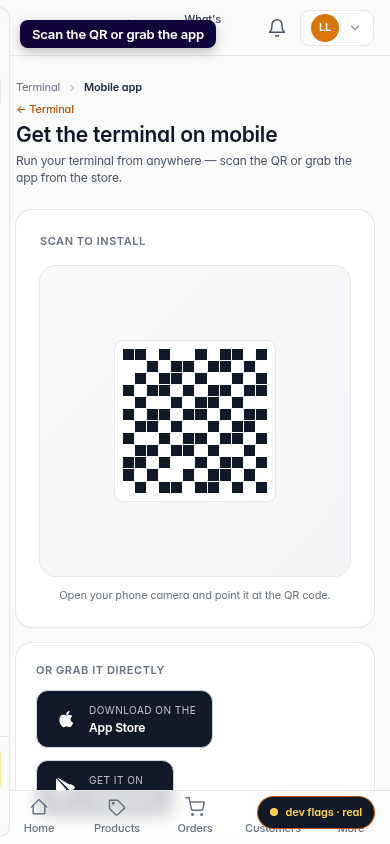
Mobile -
3
Or grab it directly
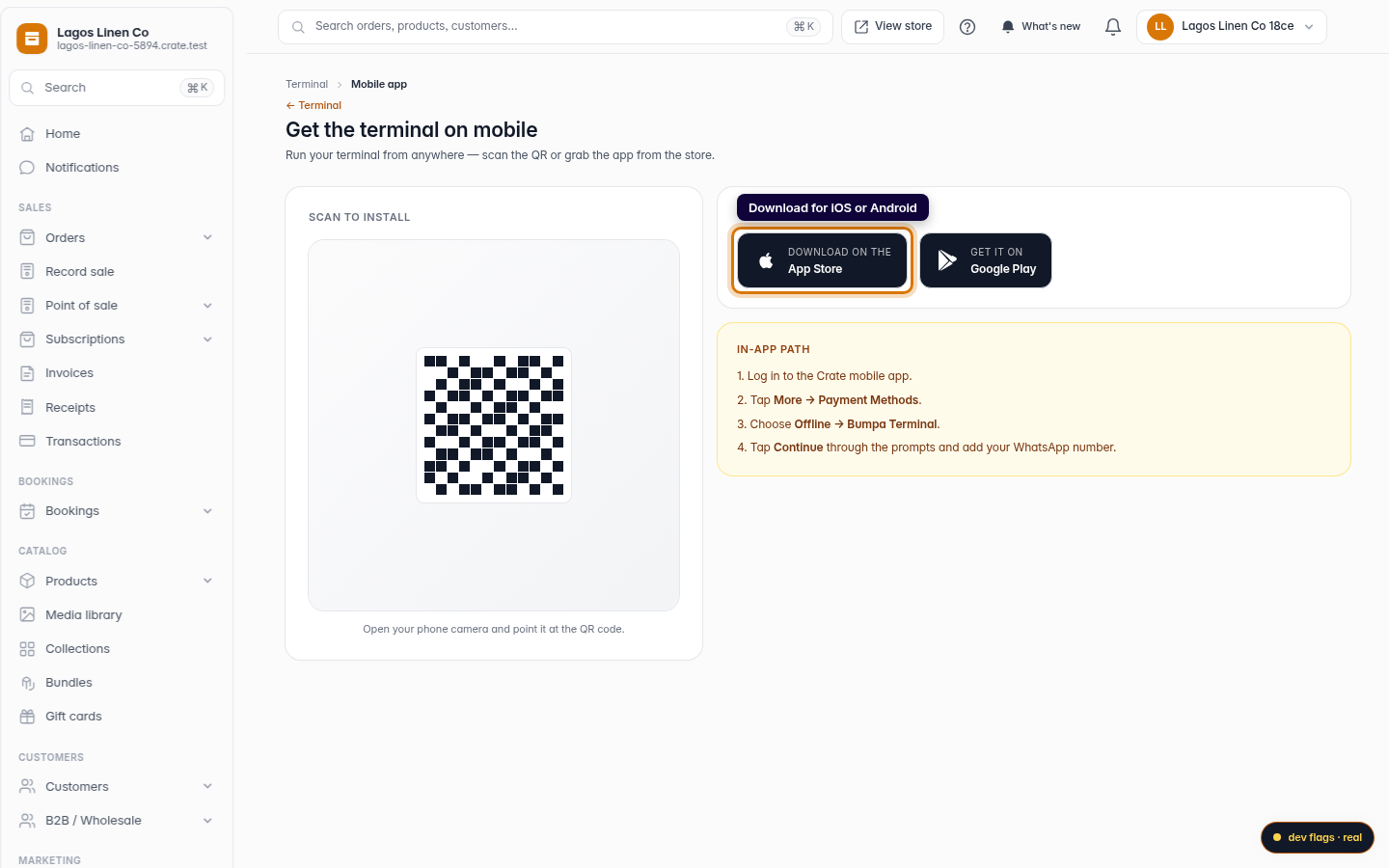
Prefer the store? Tap App Store (iOS) or Google Play (Android) to install the app the usual way.
Web -
4
Find Terminal inside the app
Once installed, sign in and open More → Payment Methods → Offline → Crate Terminal. From there you can copy your account number, view transaction charges, and manage the WhatsApp numbers that receive alerts.
Mobile